Exporting to a world is different from exporting to another structure format. Instead of getting a file that still has to be imported somewhere else, you get a Minecraft world that can be opened immediately.
ItsMyConvert supports both .schem and .schematic as inputs, so you can start from either format and generate a world directly.
Why export to a world?
This export is useful when the person receiving the build should not have to think about WorldEdit, paste commands, or import steps.
It is a delivery format, not just a conversion format.
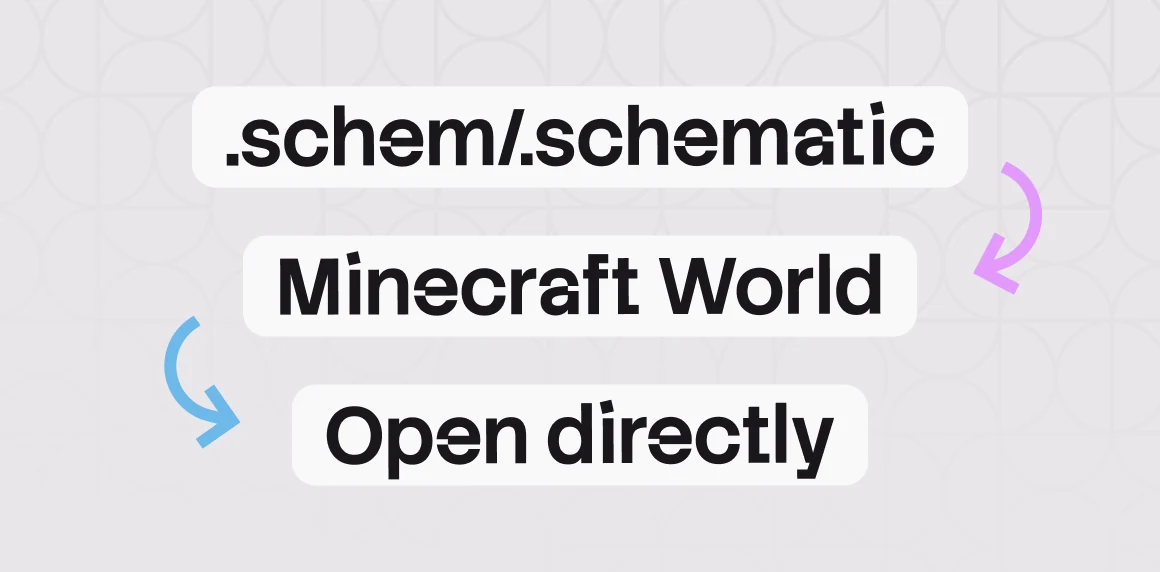
What happens during conversion
ItsMyConvert prepares the world for the target Minecraft version automatically:
- newer blocks are replaced with the closest equivalent available in the target version
- tile entities such as heads, banners, signs, and flower pots are transferred correctly
- every Minecraft version from 1.6.4 to the latest version is supported
- the build is placed into a playable world instead of being left as a raw structure file
- large files are supported, so you do not need to break the project into smaller pieces first
That means less manual fixing, less setup time, and fewer support messages after delivery.
Where this helps most
Selling premade content
You can offer a ready-to-open world to buyers instead of sending a .schem or .schematic with extra instructions.
Running older servers
You can take a map made in a newer version and generate a compatible world for a older server, including older versions like 1.8.
Building for clients
You can work with the tools and versions you prefer, then deliver a world file that matches the version your client actually needs.
Typical results
- a playable review world for approvals
- a client-ready download with no import step
- a legacy-compatible map exported from a modern build workflow
- a faster handoff for teams managing multiple Minecraft versions
Final note
If you want to turn a .schem or .schematic file into a world that opens directly in Minecraft, the Minecraft converter is the fastest way to do it without manual setup.
If you want to see real conversion results before trying it yourself, check the gallery.